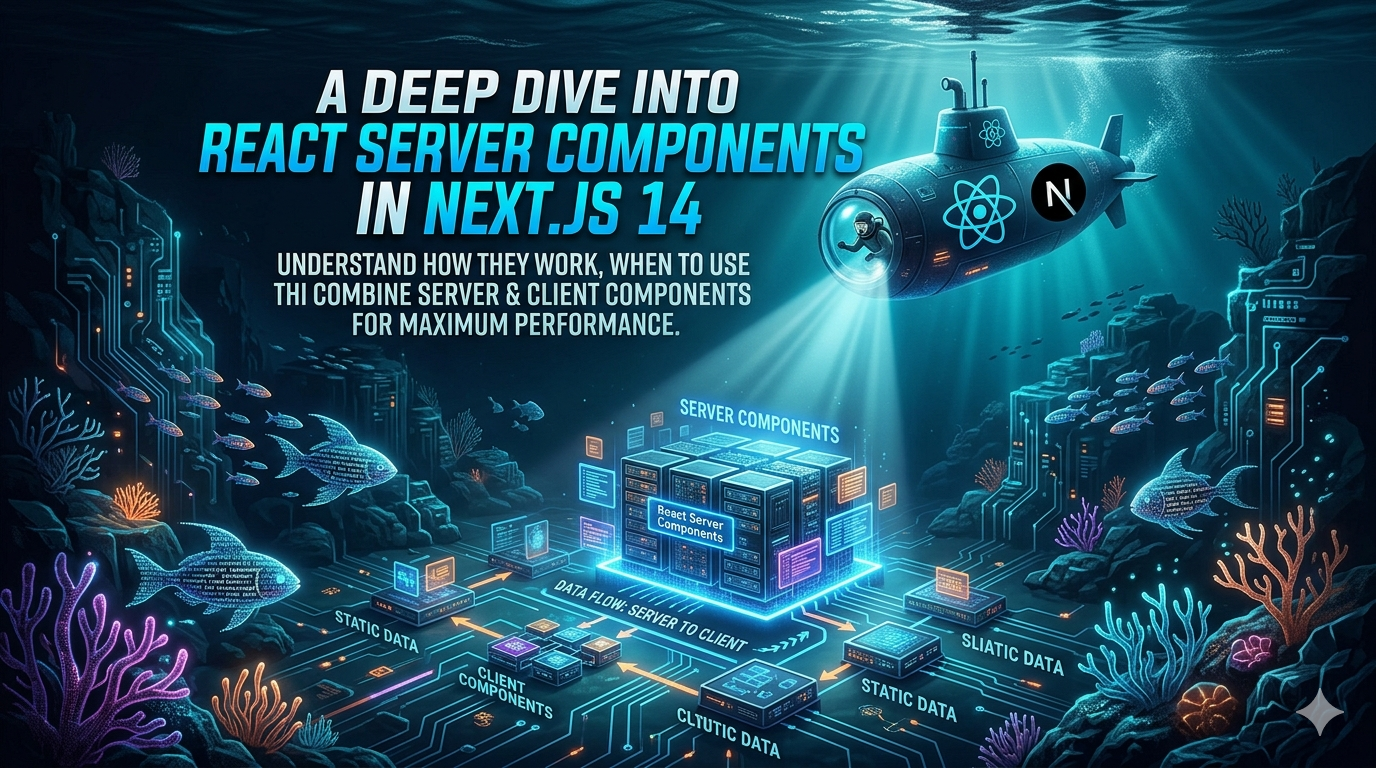
React Server Components (RSC) represent one of the most significant shifts in how we think about rendering in React applications. Introduced as the default rendering model in Next.js 13+ and refined in Next.js 14, Server Components let you move rendering work to the server while keeping the interactive parts on the client.
What Are React Server Components?
A Server Component runs exclusively on the server. It never ships JavaScript to the browser, which means:
- Zero client-side bundle cost -- the component logic, dependencies, and data fetching stay on the server.
- Direct access to backend resources -- you can query databases, read files, or call internal APIs without exposing them to the client.
- Automatic code splitting -- client components imported inside a server component are automatically split into their own bundles.
// app/articles/page.tsx  --  this is a Server Component by default
import { getArticles } from '@/lib/db'

export default async function ArticlesPage() {
  const articles = await getArticles() // direct DB call, no API layer needed

return (
    <main>
      <h1>Latest Articles</h1>
      {articles.map((article) => (
        <article key={article.id}>
          <h2>{article.title}</h2>
          <p>{article.summary}</p>
        </article>
      ))}
    </main>
  )
}
Server vs. Client Components
In Next.js 14, every component inside the app/ directory is a Server Component by default. You opt into client rendering with the "use client" directive at the top of a file:
'use client'

import { useState } from 'react'

export function LikeButton({ initialCount }: { initialCount: number }) {
  const [count, setCount] = useState(initialCount)

return (
    <button onClick={() => setCount((c) => c + 1)}>
      {count} Likes
    </button>
  )
}
A good mental model: keep as much as possible on the server, and only push interactivity to the client when you need hooks like useState, useEffect, or browser APIs.
The Composition Pattern
The real power of RSC comes from composition. A server component can import and render a client component, passing serializable props:
// Server Component
import { LikeButton } from './LikeButton'
import { getArticle } from '@/lib/db'

export default async function ArticlePage({ params }: { params: { id: string } }) {
  const article = await getArticle(params.id)

return (
    <article>
      <h1>{article.title}</h1>
      <div dangerouslySetInnerHTML={{ __html: article.html }} />
      <LikeButton articleId={article.id} initialCount={article.likes} />
    </article>
  )
}
Here, ArticlePage runs on the server and renders the article content. The LikeButton is a client component that handles the interactive "like" logic. The boundary is clean: data fetching and static content on the server, interactivity on the client.
When to Use Which?
| Use Case | Component Type |
|---|---|
| Fetching data from a database or API | Server |
| Displaying static or read-only content | Server |
| Using useState, useReducer, useEffect | Client |
| Using browser-only APIs (localStorage, geolocation) | Client |
| Handling user events (clicks, form inputs) | Client |
| Passing non-serializable props (functions, class instances) | Client |
Performance Benefits
Switching to Server Components in a typical Next.js app can reduce the client-side JavaScript bundle by 30-50%. The main wins come from:
- Smaller bundles -- heavy libraries like
marked,prisma, or date formatters stay on the server. - Faster initial load -- the server sends rendered HTML, not a JavaScript framework that then renders HTML.
- Reduced waterfall -- data fetching happens server-side in a single round trip, eliminating client-side loading spinners.
Key Takeaways
- Server Components are the default in the Next.js 14 App Router. You only add
"use client"when you need client interactivity. - Use the composition pattern: let server components own data fetching and layout, and delegate interactive leaves to client components.
- Always measure the impact -- use the Next.js build output (
next build) to verify your bundle sizes after migrating components.
Crafted by
Abiyyu Abidiffatir Al MajidSoftware Engineer passionate about building scalable web applications and sharing knowledge about modern web development, system design, and emerging technologies.